Best Smart Home Gadgets for Seniors and Accessibility
Discover smart home gadgets designed to enhance safety and convenience for seniors and individuals with accessibility needs.

Discover smart home gadgets designed to enhance safety and convenience for seniors and individuals with accessibility needs.
Best Smart Home Gadgets for Seniors and Accessibility
Hey there! Let's talk about making life a little easier and safer for our seniors and anyone who might need a bit of extra help around the house. Smart home technology isn't just about fancy lights or playing music; it's becoming a real game-changer for accessibility and peace of mind. We're going to dive into some fantastic gadgets that can genuinely improve daily living, offering everything from enhanced safety to simple convenience. Think about it: a little tech can go a long way in maintaining independence and ensuring loved ones are comfortable and secure. We'll cover some top picks, how they work, what they cost, and why they might be the perfect fit for your home or a loved one's.
Why Smart Home Tech is a Game Changer for Seniors and Accessibility
You know, when we talk about smart homes, often the first things that come to mind are voice assistants or smart lighting. But for seniors and individuals with accessibility challenges, these technologies offer so much more than just convenience. They can be truly transformative, providing a new level of independence, safety, and connection. Imagine being able to control your home environment without having to get up, or having a system that can alert family members if something's amiss. That's the power we're talking about here.
Enhancing Independence and Daily Living with Smart Devices
One of the biggest benefits is the boost in independence. Simple tasks that might become difficult with age or mobility issues – like turning off lights, adjusting the thermostat, or even answering the door – can be managed with just a voice command or a tap on a tablet. This means seniors can stay in their homes longer, maintaining their routines and dignity. It's about empowering them to do things on their own terms, reducing reliance on others for everyday activities.
Boosting Safety and Security for Peace of Mind
Safety is another huge factor. Smart home gadgets can act as an extra set of eyes and ears, providing crucial alerts and monitoring. Think about smart smoke detectors that send notifications to family members, or smart doorbells that let you see who's at the door without having to open it. Fall detection systems, medication reminders, and even smart locks can all contribute to a much safer living environment, giving both seniors and their families greater peace of mind.
Top Smart Home Gadgets for Enhanced Safety and Security
Let's get into the nitty-gritty of some specific gadgets that are making a real difference in safety and security. These aren't just futuristic concepts; they're readily available tools that can be integrated into almost any home.
Smart Doorbell Cameras for Secure Entry and Visitor Screening
Smart doorbell cameras are fantastic for anyone, but especially for seniors. They allow you to see and speak to visitors from anywhere, whether you're in another room or even out of the house. This means no more rushing to the door or opening it to strangers. You can screen visitors safely and decide whether to engage. Many models also offer motion detection and recording, adding an extra layer of security.
- Ring Video Doorbell 4: This is a popular choice, offering 1080p HD video, two-way talk, and customizable motion zones. It's battery-powered, so installation is pretty straightforward. You can get it for around $199. It's great for its ease of use and wide ecosystem of compatible devices.
- Google Nest Doorbell (battery): Another excellent option, the Nest Doorbell provides clear video, intelligent alerts (like distinguishing between people, packages, and animals), and works seamlessly with Google Assistant. It's priced similarly to Ring, often around $179-$229. Its integration with the Google ecosystem is a big plus for users already invested in Google products.
- Arlo Essential Video Doorbell Wire-Free: If you're looking for a wider field of view, Arlo offers a 180-degree diagonal view, allowing you to see more of your doorstep. It also has direct-to-mobile video calls when someone presses the doorbell. Expect to pay about $199.
Use Case: Imagine an elderly parent who might be hesitant to answer the door. With a smart doorbell, they can see who's there on a smart display or their phone, speak to them, and even unlock a smart lock if it's a trusted visitor, all without physically going to the door. This prevents potential scams or unwanted interactions.
Smart Locks for Keyless Entry and Remote Access
Fumbling with keys can be a pain, and for some, it can even be a fall risk. Smart locks eliminate the need for physical keys, offering keyless entry via passcodes, fingerprints, or even smartphone apps. They also allow trusted family members or caregivers to access the home remotely, which is incredibly useful in emergencies or for scheduled visits.
- August Smart Lock Pro + Connect: This lock retrofits over your existing deadbolt, meaning you can still use your traditional key if needed. It offers auto-unlock and auto-lock features, and you can grant temporary access to others. It typically costs around $229. Its non-invasive installation is a huge benefit.
- Schlage Encode Smart WiFi Deadbolt: This is a full deadbolt replacement that connects directly to your home Wi-Fi, no extra hub needed. It offers built-in Wi-Fi, allowing for remote access and monitoring. You can find it for about $249. It's known for its robust security and reliability.
- Yale Assure Lock 2: A sleek and modern option, the Yale Assure Lock 2 comes in various versions (keypad, touchscreen, or keyed) and supports multiple smart home platforms like Apple HomeKit, Google Home, and Amazon Alexa. Prices vary depending on the version, starting around $159. Its versatility in connectivity is a strong point.
Use Case: A senior living alone might forget their keys or have difficulty using them. A smart lock allows them to enter with a simple code. In an emergency, a family member can remotely unlock the door for first responders, saving crucial time.
Smart Smoke and Carbon Monoxide Detectors for Early Warning Systems
Traditional smoke detectors are essential, but smart versions take safety to the next level. They not only sound an alarm but also send alerts to your smartphone and can even notify designated contacts. Some can even pinpoint the location of the smoke or CO, providing vital information in an emergency.
- Google Nest Protect: This is a top-tier smart smoke and CO detector. It speaks with a human voice, tells you where the danger is, and sends alerts to your phone. It also performs self-checks and has a 10-year lifespan. Available in wired and battery versions, it costs around $119. Its comprehensive features and reliability make it a standout.
- First Alert Onelink Safe & Sound: This device combines a smoke and CO detector with a smart speaker (Alexa built-in) and a night light. It offers voice alerts and smartphone notifications. It's a bit pricier, around $249, but offers multiple functionalities in one unit.
Use Case: If a senior is hard of hearing, a traditional alarm might not be enough. A smart detector can send an alert to their phone, a smart display, or even a family member's phone, ensuring they are aware of the danger, even if they don't hear the audible alarm.
Fall Detection and Emergency Alert Systems for Immediate Assistance
These systems are perhaps the most critical for seniors living alone. They provide a way to call for help quickly in case of a fall or other emergency. Modern versions often integrate with smart home ecosystems, offering more sophisticated monitoring and communication.
- Medical Guardian Mini Guardian: This is a small, lightweight, and waterproof mobile medical alert device with GPS tracking and a built-in speaker. It offers 24/7 monitoring and two-way talk. Pricing typically involves a monthly subscription, starting around $39.95. Its portability and reliable monitoring are key features.
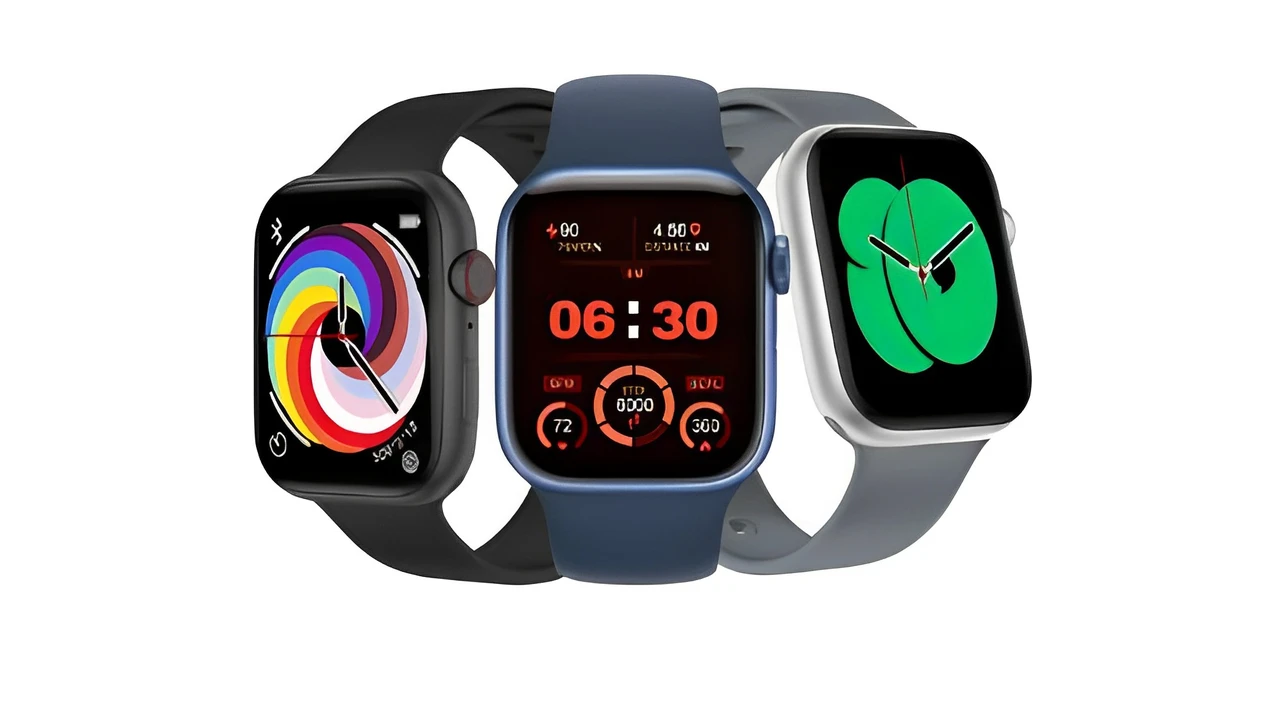
- Bay Alarm Medical SOS Smartwatch: For those who prefer a more discreet option, this smartwatch offers fall detection, GPS, and a help button, all while looking like a regular watch. It also requires a monthly subscription, usually starting around $29.95. It's great for active seniors who want a less conspicuous device.
- Amazon Echo Show (with Alexa Guard Plus): While not a dedicated fall detection system, the Echo Show combined with Alexa Guard Plus can listen for sounds like glass breaking or smoke alarms and send alerts. It can also connect to an emergency helpline. The Echo Show devices range from $89 to $249, and Alexa Guard Plus is a monthly subscription. This is a more integrated, less intrusive option for general home monitoring.
Use Case: A senior experiences a fall and cannot reach their phone. A fall detection device automatically alerts emergency services or family members, ensuring help arrives quickly. This can be life-saving.
Smart Home Gadgets for Enhanced Convenience and Daily Living
Beyond safety, smart home tech can make everyday life significantly more comfortable and manageable. These gadgets focus on simplifying routines and providing easy control over the home environment.
Smart Speakers and Displays for Voice Control and Communication
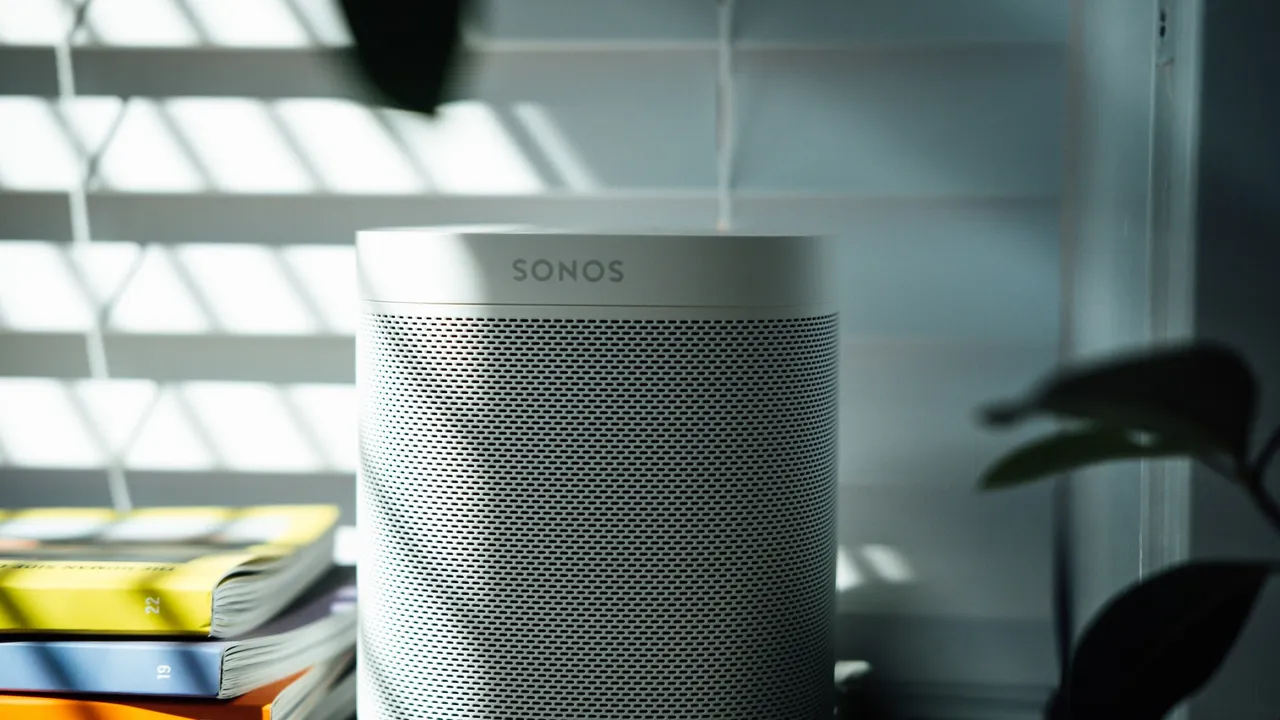
Smart speakers and displays are the central hubs for many smart homes. They allow for voice control of other devices, making it incredibly easy to manage lights, thermostats, and even make calls without lifting a finger. Smart displays add a visual element, perfect for video calls with family or viewing security camera feeds.
- Amazon Echo Show 8: This smart display offers a great balance of screen size and features. You can make video calls, watch videos, control smart home devices, and get visual answers to questions. It's often available for around $129. Its user-friendly interface and wide range of skills make it very accessible.
- Google Nest Hub (2nd Gen): Similar to the Echo Show, the Nest Hub offers a touch screen, voice control via Google Assistant, and can display photos, recipes, and video calls. It also has a unique Sleep Sensing feature. It typically costs around $99. Its integration with Google services is a major advantage.
Use Case: An individual with limited mobility can use voice commands to turn lights on or off, adjust the room temperature, or even call a family member, all without having to move. This significantly reduces physical strain and increases comfort.
Smart Lighting Systems for Easy Control and Ambiance
Smart lights are more than just a cool gadget; they offer practical benefits for accessibility. They can be controlled via voice, app, or even motion sensors, eliminating the need to reach for light switches. This is particularly helpful for those with mobility issues or in preventing falls in dimly lit areas.
- Philips Hue White and Color Ambiance Starter Kit: Philips Hue is the gold standard for smart lighting. It offers a vast range of colors and white light temperatures, can be controlled via app or voice, and integrates with almost every smart home platform. A starter kit with a hub and a few bulbs can cost around $199. Its reliability and extensive features are unmatched.
- Wyze Bulb Color: A more budget-friendly option, Wyze bulbs offer color and white light control, app control, and voice integration with Alexa and Google Assistant. Individual bulbs are very affordable, often around $15-$20. Great for those looking to dip their toes into smart lighting without a huge investment.
Use Case: A senior can set lights to turn on automatically when they enter a room or use voice commands to brighten a space, reducing the risk of tripping in the dark. They can also set schedules for lights to come on in the evening, making the home feel more secure.
Smart Thermostats for Climate Control and Energy Efficiency
Adjusting a traditional thermostat can be tricky for some, especially if it's in an inconvenient location or has small controls. Smart thermostats allow for easy control via voice, app, or even automatically based on presence detection. This ensures comfort and can also help save on energy bills.
- Google Nest Learning Thermostat: This thermostat learns your preferences and creates a schedule for you, optimizing comfort and energy savings. It can be controlled via the app or voice. It typically costs around $249. Its learning capabilities are a major draw.
- Ecobee Smart Thermostat Premium: Ecobee offers a smart sensor that can detect occupancy and temperature in different rooms, ensuring comfort where it's needed most. It also has Alexa built-in. Expect to pay around $249. Its room sensors are a fantastic feature for ensuring even temperatures throughout the home.
Use Case: An elderly person can simply tell their smart speaker to adjust the temperature, or the thermostat can automatically adjust based on their presence, ensuring they are always comfortable without having to manually interact with a small, often hard-to-read device.
Smart Plugs for Automating Appliances and Lamps
Smart plugs are incredibly versatile and affordable. They turn any regular appliance or lamp into a smart device, allowing you to control it remotely or via voice. This is perfect for lamps that are hard to reach, fans, or even coffee makers.
- TP-Link Kasa Smart Plug Mini: These are compact, reliable, and easy to set up. They work with Alexa and Google Assistant and can be controlled via the Kasa app. A pack of two often costs around $20-$25. Their simplicity and affordability make them a great starting point.
- Wyze Plug: Similar to Kasa, Wyze plugs are budget-friendly and offer scheduling, remote control, and voice assistant integration. A two-pack can be found for about $15-$20.
Use Case: A senior can plug in a bedside lamp into a smart plug and then use voice commands to turn it on or off, eliminating the need to reach for a switch in the dark. This can prevent falls and add convenience.
Considerations When Choosing Smart Home Gadgets for Accessibility
Alright, so you're thinking about getting some of these cool gadgets. That's awesome! But before you hit 'add to cart,' there are a few important things to keep in mind, especially when you're looking at tech for seniors or accessibility needs. It's not just about the gadget itself, but how it fits into the bigger picture of daily life.
Ease of Use and Intuitive Interfaces for All Ages
This is probably the most crucial point. If a device is too complicated to set up or use, it's going to end up gathering dust. Look for products with simple, intuitive interfaces. Voice control is often a huge plus here, as it eliminates the need for small buttons or complex menus. Large, clear displays on smart screens are also beneficial. Think about the person who will be using it: are they tech-savvy, or do they prefer things straightforward? Always lean towards simplicity.
Compatibility and Integration with Existing Systems
Nobody wants a bunch of gadgets that don't talk to each other. It's like having a separate remote for every single thing in your living room – frustrating! Try to choose devices that are compatible with a central smart home ecosystem, like Amazon Alexa, Google Home, or Apple HomeKit. This allows for seamless control of multiple devices from one app or voice assistant. If you already have an Echo Dot, for example, look for devices that 'Works with Alexa.' This makes managing everything much easier.
Reliability and Long-Term Support for Peace of Mind
When it comes to safety and daily convenience, reliability is non-negotiable. You want devices that work consistently and don't constantly disconnect or malfunction. Look for reputable brands with good customer reviews and a track record of providing software updates and customer support. A device that breaks down frequently or stops receiving updates can quickly become more of a headache than a help.
Privacy and Data Security Concerns with Connected Devices
This is a big one, and it's totally valid to be concerned. Smart home devices collect data, whether it's video from a doorbell, audio from a smart speaker, or usage patterns from a thermostat. Make sure you understand the privacy policies of the products you choose. Look for devices that offer strong encryption, clear data retention policies, and options to control what data is shared. It's about finding a balance between convenience and protecting personal information.
Cost and Subscription Models for Ongoing Services
While many smart home gadgets have an upfront cost, some also come with optional or mandatory subscription fees. For example, many smart security cameras offer cloud storage for video recordings, and medical alert systems almost always require a monthly subscription for monitoring services. Factor these ongoing costs into your budget. Sometimes, a slightly more expensive device with no subscription might be cheaper in the long run than a cheaper device with a recurring fee.
Setting Up Your Accessible Smart Home
Okay, you've picked out some awesome gadgets. Now what? Setting up a smart home, especially one focused on accessibility, doesn't have to be overwhelming. A little planning goes a long way, and you don't have to do it all at once. Think of it as building a comfortable and safe environment, one smart step at a time.
Starting Small and Expanding Your Smart Home Ecosystem
Don't feel like you need to automate your entire house overnight. It's often best to start with one or two devices that address the most pressing needs. Maybe it's a smart speaker for voice control, or a smart doorbell for security. Once you (or the senior using it) get comfortable with those, you can gradually add more devices. This approach helps prevent frustration and allows everyone to adapt to the new technology at their own pace.
Professional Installation vs DIY Setup for Smart Devices
Many smart home gadgets are designed for DIY installation, especially smart plugs, bulbs, and even some doorbells. If you're comfortable with basic tech setup, you can save some money by doing it yourself. However, for more complex systems like smart locks that replace existing hardware, or comprehensive security systems, professional installation might be a better option. This ensures everything is set up correctly and securely. Some companies even offer white-glove service specifically for seniors, helping them get comfortable with the new tech.
Training and Support for Seniors and Caregivers
This is super important! Even the most intuitive device can be confusing if you're not used to it. Take the time to walk through how each device works with the senior. Practice voice commands, show them how to use the app (if applicable), and explain what different alerts mean. Create a simple cheat sheet with common commands or troubleshooting tips. Also, make sure caregivers or family members understand how to use and manage the system, especially for emergency features. Ongoing support, even if it's just a quick phone call, can make a huge difference in adoption and confidence.
The Future of Accessible Smart Home Technology
The smart home world is constantly evolving, and that's great news for accessibility. We're seeing incredible advancements that promise even more intuitive, integrated, and personalized experiences. It's an exciting time to be thinking about how technology can support independent living.
Emerging Technologies and Trends in Smart Home Accessibility
One big trend is proactive assistance. Imagine systems that can predict needs based on routines or even health data, rather than just reacting to commands. We're also seeing more sophisticated AI and machine learning being integrated, making devices smarter at understanding context and personal preferences. Wearable tech is becoming more seamlessly integrated with the home, offering continuous monitoring and alerts. And with standards like Matter and Thread gaining traction, we're moving towards a future where devices from different brands will work together much more easily, simplifying setup and management.
Personalized and Adaptive Smart Home Experiences
The goal is to move beyond one-size-fits-all solutions. Future smart homes will be even more personalized, adapting to individual needs and preferences over time. This could mean systems that adjust lighting based on vision needs, or voice assistants that learn specific speech patterns. The focus will be on creating an environment that truly anticipates and supports the unique requirements of each individual, making independent living not just possible, but truly comfortable and empowering.
So, there you have it! Smart home gadgets are more than just cool tech; they're powerful tools for enhancing safety, convenience, and independence for seniors and individuals with accessibility needs. By choosing the right devices, setting them up thoughtfully, and providing good support, we can create living spaces that are not only smarter but also more caring and inclusive. It's all about making life a little bit better, one smart gadget at a time.
:max_bytes(150000):strip_icc()/277019-baked-pork-chops-with-cream-of-mushroom-soup-DDMFS-beauty-4x3-BG-7505-5762b731cf30447d9cbbbbbf387beafa.jpg)